
Offline NFC and file transfer
Get the right manual even when there’s no signal.
Put short instructions on a passive NFC tag for a compatible phone or reader. For PDFs, photos or logs, the tap can start a Bluetooth or local Wi-Fi connection to a powered machine or nearby gateway. The technician can save the file on site.
Discuss a project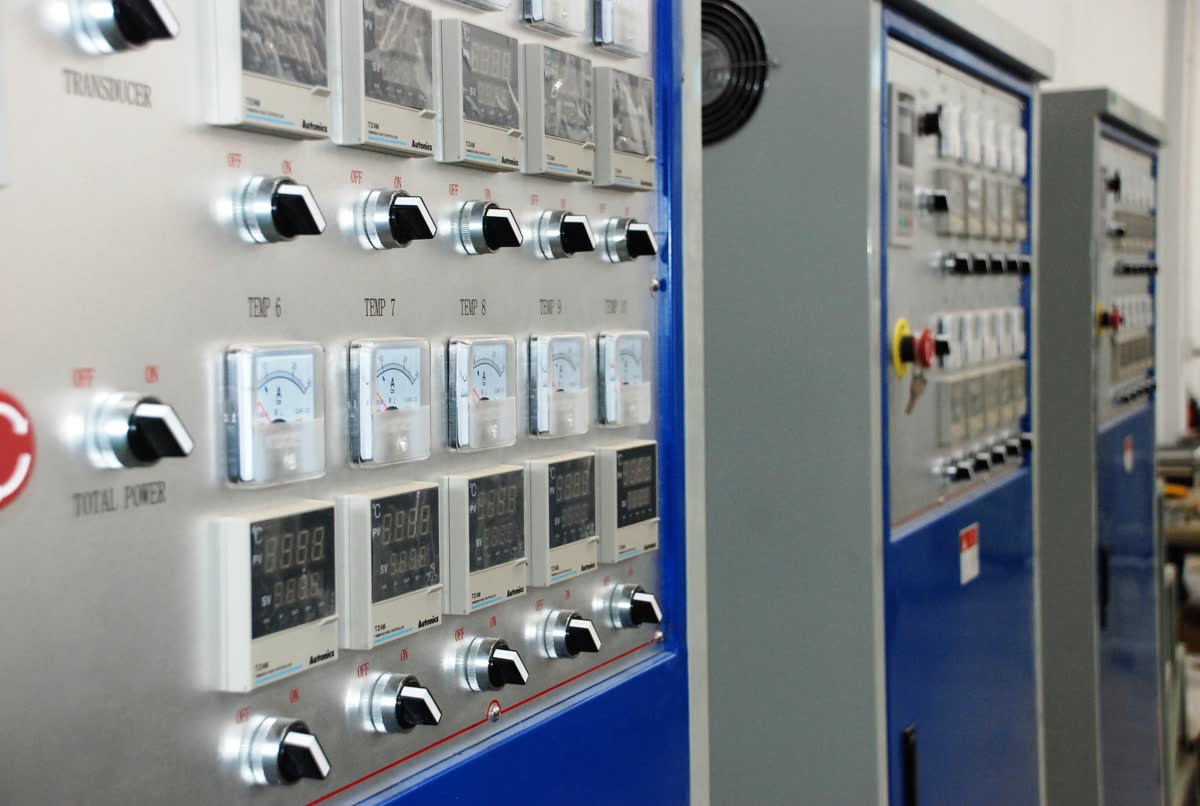

What a field team can get with a tap
- Shutdown and startup steps
- Store a short checklist or machine identifier in the tag itself. A compatible reader can retrieve it in a basement, at a remote site, or while the equipment is off.
- Service manuals and parts diagrams
- Serve a machine-specific PDF or wiring diagram from powered equipment or a local gateway. An installer can save it on site and keep it for the rest of the job.
- Fault logs for maintenance
- Let a technician collect logs or inspection photos on site, then share them with engineering once they’re back online. Use access controls where those records are sensitive.
Two ways to get instructions in the field
Choose a format to see what the tag, equipment and reader each do.
The tag carries the instructions.
- Tap the equipment.
- Read the tag’s memory.
- Show the quick guide.
Keep a compact safety checklist, part identifier, or startup sequence on the tag. The payload has to fit the tag’s memory, and the phone or reader has to support reading it.
The tap starts a local transfer.
- Tap the equipment.
- Connect locally.
- Save the manual.
Keep the PDF on powered equipment or a local gateway. NFC can provide connection information, then a compatible app can retrieve the file over Bluetooth or Wi-Fi without internet access.
Example project
A service team needs the right wiring diagram in a basement.
Put the panel identifier and a short startup checklist on the NFC tag so the technician can read them with a compatible phone while the panel is off.
Keep the full wiring diagram and recent diagnostic logs on the equipment or its service gateway. When that device has power, a tap can start a local download so the technician has the files for the rest of the visit.

What Enabl designs and tests
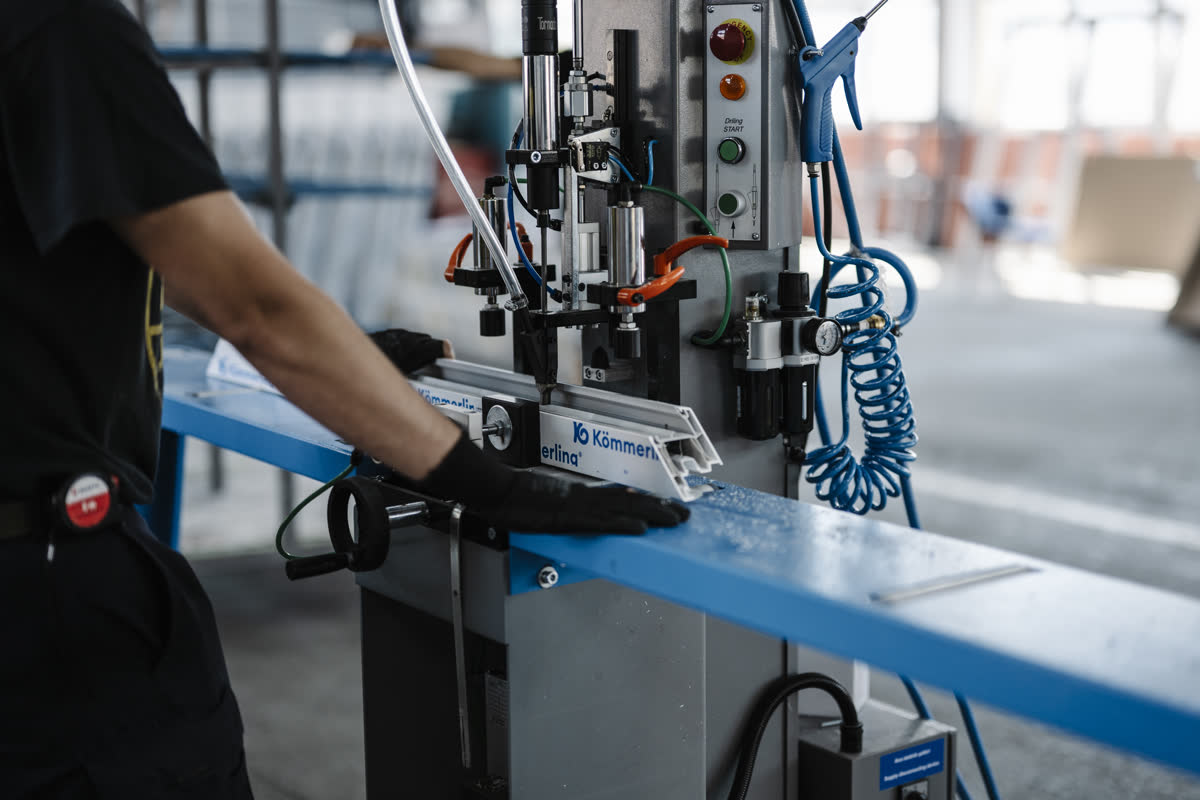
We check what fits on the tag, which phones or readers your team uses, and what must be accessible when the power is off. We test the complete download with internet access disabled.
Discuss your application
Tell us what the technician needs to open and whether the equipment will have power.
Send a project inquiry